In a Rush? Here Are Our Top Picks
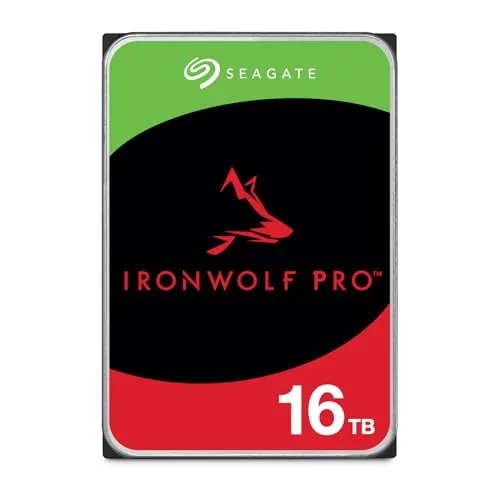
Seagate IronWolf Pro 16TB NAS HDD CMR 7200RPM
8.7/10Small business owners and prosumers running 4-bay or larger NAS enclosures who need high-capacity, always-on storage with a strong reliability floor.
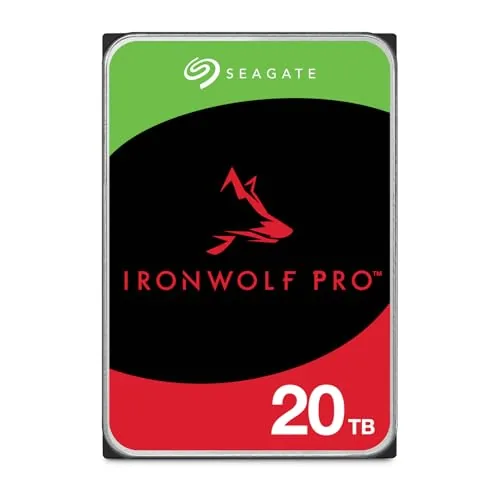
Seagate IronWolf Pro 20TB NAS HDD CMR 7200RPM
8.7/10Small businesses or power users running 4-bay or larger NAS systems who need 20TB of reliable, always-on storage with enterprise-level endurance.
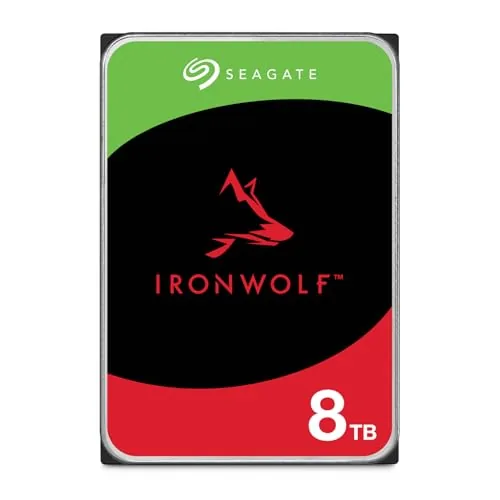
Seagate IronWolf 8TB NAS HDD CMR All-Day Reliability
8.5/10Home or small business users running a 2-to-8-bay NAS who need a drive rated for continuous 24/7 operation and want built-in data recovery coverage.
NAS drives take more punishment than typical desktop hard drives – they spin 24/7, handle simultaneous read/write requests from multiple users, and need to hold up for years without a failure that takes your data with it. Choosing the wrong one means slower transfer speeds, early burnout, or compatibility issues with your enclosure. This list focuses on three Seagate IronWolf models – the IronWolf 8TB and IronWolf Pro in 16TB and 20TB – covering which capacity and tier makes sense depending on your workload and budget.
Quick Comparison
| # | Product | Key Features | Score | |
|---|---|---|---|---|
| 1 |
Seagate IronWolf Pro 16TB NAS HDD CMR 7200RPM
|
|
8.7 ★★★★☆ | Check Price on Amazon Read full review ↓ |
| 2 |
Seagate IronWolf Pro 20TB NAS HDD CMR 7200RPM
|
|
8.7 ★★★★☆ | Check Price on Amazon Read full review ↓ |
| 3 |
Seagate IronWolf 8TB NAS HDD CMR All-Day Reliability
|
|
8.5 ★★★★☆ | Check Price on Amazon Read full review ↓ |
| 4 |
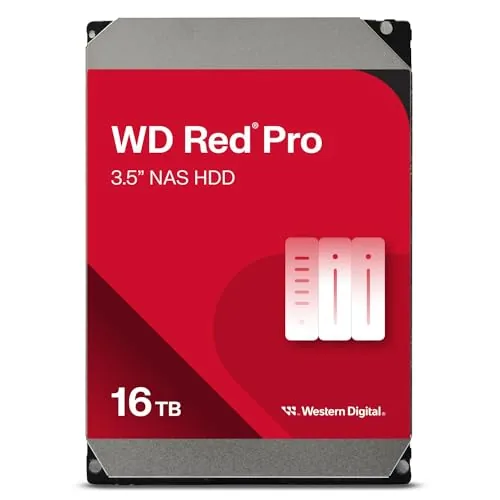 WD Red Pro 16TB NAS Hard Drive 7200RPM CMR |
|
8.5 ★★★★☆ | Check Price on Amazon Read full review ↓ |
| 5 |
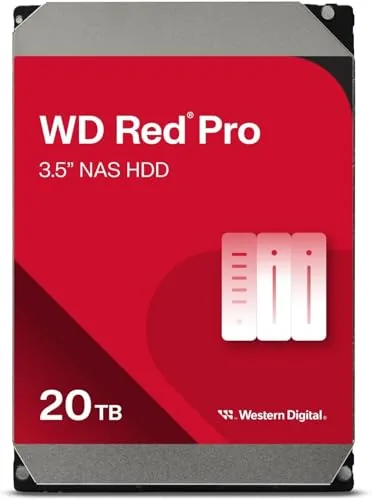 WD Red Pro 20TB NAS HDD 7200RPM CMR |
|
8.5 ★★★★☆ | Check Price on Amazon Read full review ↓ |
| 6 |
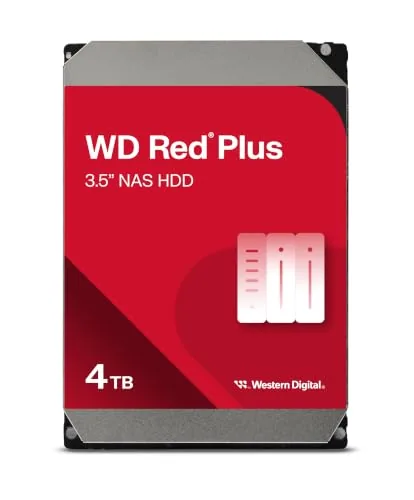 WD Red Plus 4TB NAS Hard Drive CMR 5400RPM |
|
8.2 ★★★★☆ | Check Price on Amazon Read full review ↓ |
| 7 |
 WD Red Plus 10TB NAS Hard Drive 7200RPM CMR |
|
8.2 ★★★★☆ | Check Price on Amazon Read full review ↓ |
| 8 |
 Buffalo LinkStation 210 2TB 1-Bay NAS Home Storage |
|
7.2 ★★★★☆ | Check Price on Amazon Read full review ↓ |
A 16TB CMR drive built for always-on NAS and RAID environments running 24 hours a day. The 550TB/year workload rating and 2.5 million hour MTBF put it at the high end of reliability specs for prosumer and small business storage. Three years of included data recovery service adds a practical safety net that most competing drives skip.
Key Features
- CMR recording enables consistent 24×7 read and write performance
- 550TB/year workload rating and 2.5M hour MTBF rating
- Includes 3-year Rescue Data Recovery service at no extra cost
- Health management tool gives prevention and recovery recommendations
- TLER, RV sensors, and dual-plane balancing optimize multi-bay RAID use
✅ Pros
- 16TB capacity covers large media libraries or dense backup workloads
- CMR recording avoids the write-speed penalties found on SMR alternatives
- Bundled data recovery service is a genuine differentiator at this price tier
- RV sensors and TLER make it stable in 4-bay and 8-bay NAS enclosures
❌ Cons
- At $590 the per-TB cost is high compared to desktop-class drives
- Requires compatible NAS hardware, adding setup complexity for first-time buyers
Why We Chose It
The IronWolf Pro 16TB earns its place by combining a high workload tolerance with NAS-specific firmware tuning that generic desktop drives lack. The included Rescue Data Recovery service covers three years without a separate subscription, which meaningfully reduces total ownership risk. Those two factors justify the price premium over standard consumer drives for anyone running a multi-drive array.
Perfect For
Small business owners and prosumers running 4-bay or larger NAS enclosures who need high-capacity, always-on storage with a strong reliability floor.
A 20TB CMR drive built for continuous NAS and RAID workloads, rated at 550TB per year and 2.5 million hours MTBF. Three years of complimentary data recovery service and a 5-year warranty reduce the risk of long-term ownership. At $879.99, the cost per terabyte is competitive for enterprise-grade NAS storage.
Key Features
- All-CMR design supports consistent 24×7 read and write performance
- 550TB/year workload rating, 2.5M hours MTBF, 5-year limited warranty
- Complimentary 3-year Rescue Data Recovery Services included at no cost
- IronWolf Health Management monitors and flags system health issues
- TLER, RV sensors, and dual-plane balancing optimize multi-bay RAID performance
✅ Pros
- 550TB/year workload rating handles heavy continuous write environments
- Bundled 3-year data recovery service adds real insurance value
- 7,200 RPM with 256MB cache delivers strong sequential throughput
- TLER and RV sensors reduce errors and vibration interference in multi-drive bays
❌ Cons
- At $879.99 the upfront cost is high for small or home NAS builds
- Requires a compatible NAS or RAID enclosure, not suitable for desktop use
Why We Chose It
The 550TB/year workload rating and 2.5 million hour MTBF place this drive above typical consumer or prosumer NAS options. The included Rescue Data Recovery plan covers three years without added cost, which is a concrete financial safeguard. CMR recording ensures predictable write performance that SMR drives cannot reliably deliver under sustained load.
Perfect For
Small businesses or power users running 4-bay or larger NAS systems who need 20TB of reliable, always-on storage with enterprise-level endurance.
The IronWolf 8TB is built specifically for NAS enclosures running around the clock in multi-user environments. It pairs a 256MB cache with rotational vibration sensors to stay stable in multi-bay setups. The included 3-year Rescue Data Recovery service adds a meaningful safety net beyond the standard warranty.
Key Features
- Rated for up to 8-bay multi-user NAS environments
- 8TB capacity with up to 256MB cache
- SATA 6Gb/s interface with 180TB per year workload rating
- CMR recording for consistent write performance and long-term reliability
- RV sensors reduce vibration interference in multi-drive enclosures
- IronWolf Health Management monitors drive condition in real time
- 1 million hours MTBF rating
- 3-year warranty plus 3-year Rescue Data Recovery Services included
✅ Pros
- All-CMR design avoids the write performance penalties associated with SMR drives
- RV sensors make it stable in densely populated multi-bay NAS chassis
- 180TB per year workload rating handles heavy continuous use
- Rescue Data Recovery included at no extra cost adds real-world insurance
❌ Cons
- At $329.99 for 8TB, per-terabyte cost is higher than desktop drives of the same capacity
- No announced support for NAS enclosures beyond 8 bays
Why We Chose It
The IronWolf 8TB uses all-CMR recording across the lineup, which matters for NAS reliability because SMR drives can stall during rebuild operations. The combination of RV sensors, a 1M-hour MTBF, and a bundled data recovery service makes it a low-risk choice for small business or home lab NAS builds.
Perfect For
Home or small business users running a 2-to-8-bay NAS who need a drive rated for continuous 24/7 operation and want built-in data recovery coverage.
The WD Red Pro 16TB targets high-demand NAS environments where drives run continuously under heavy multi-user workloads. With a 550TB per year workload rating and 512MB cache, it handles sustained read and write pressure that would degrade lighter desktop drives. At $718.48, it sits firmly in the pro-NAS tier and is priced accordingly.
Key Features
- Available in 2TB to 22TB capacity options
- Optimized for RAID NAS with unlimited drive bays
- 550TB per year rated workload for heavy use
- Built for 24×7 multi-user high-intensity NAS operation
- Tested for compatibility with major NAS enclosure vendors
✅ Pros
- 7200 RPM spindle speed suits read-heavy multi-user NAS builds
- 512MB cache reduces latency during sustained sequential transfers
- CMR recording guarantees write reliability in RAID rebuilds
- Workload rating of 550TB per year covers demanding production use
- Broad NAS vendor compatibility reduces setup friction
❌ Cons
- At $718.48 the per-TB cost is high compared to SMR alternatives
- 16TB capacity may require multiple drives to justify the price tier
Why We Chose It
The CMR recording method makes this drive dependable during RAID rebuilds, where SMR drives can stall or fail under the sustained write load. The 550TB per year workload rating is designed for environments where drives are not idle, covering small business file servers and media production NAS setups running around the clock.
Perfect For
Small business or prosumer NAS owners running four or more bays with continuous multi-user access who need RAID-ready reliability over raw cost efficiency.
The WD Red Pro 20TB targets high-density NAS builds running 24/7 under multi-user load, with a 550TB/year workload rating that places it well above consumer-grade alternatives. At 7200 RPM with a 512MB cache buffer, it delivers the sustained throughput RAID arrays need without throttling under continuous read/write cycles. Compatibility testing with major NAS vendors reduces the risk of enclosure conflicts at the point of installation.
Key Features
- Actual formatted capacity will be lower than labeled 20TB
- Optimized for RAID NAS systems with unlimited bay configurations
- 550TB per year workload rating at 40C typical operating temperature
- Built for continuous 24/7 operation in multi-user NAS environments
- Tested for compatibility with a wide range of NAS enclosure vendors
✅ Pros
- 550TB/yr workload rating handles sustained heavy read/write demands
- 7200 RPM spin speed and 512MB cache support fast sequential throughput
- CMR recording ensures reliable long-term RAID rebuild performance
- Broad vendor compatibility testing reduces deployment risk
❌ Cons
- At $897 for a single drive, per-terabyte cost is high for budget NAS builds
- Formatted capacity will fall short of the labeled 20TB figure
Why We Chose It
The 550TB/year workload ceiling and CMR recording make this drive a reliable fit for RAID arrays where rebuild reliability and sustained throughput matter more than upfront cost. The 512MB cache and 7200 RPM combination delivers consistently fast sequential performance across multi-user workloads, where slower drives tend to bottleneck. Western Digital’s vendor testing program adds practical assurance for enclosure compatibility across most major NAS platforms.
Perfect For
IT administrators and prosumer users running high-bay RAID NAS systems that demand round-the-clock availability and high annual data throughput.
The WD Red Plus 4TB is built for always-on NAS enclosures running up to 8 bays, using conventional magnetic recording for reliable sequential read and write performance. At 5400 RPM with a 128 MB cache and SATA 6 Gb/s interface, it balances throughput with lower heat and power draw compared to 7200 RPM alternatives. NASware firmware tuning reduces vibration sensitivity and improves compatibility with multi-drive RAID configurations.
Key Features
- Available from 2TB up to 12TB capacity options
- Supports NAS systems with up to 8 drive bays
- Built for continuous 24/7 operation workloads
- Includes manufacturer warranty and support coverage
- NASware firmware optimizes RAID and NAS compatibility
✅ Pros
- CMR recording ensures predictable write performance under sustained workloads
- NASware firmware reduces vibration interference in multi-bay enclosures
- 5400 RPM spin speed keeps operating temperatures lower than 7200 RPM drives
- Wide capacity range from 2TB to 12TB suits different storage budgets
❌ Cons
- 5400 RPM limits sequential throughput versus 7200 RPM NAS drives
- Price per terabyte is higher than comparable desktop drives without NAS tuning
Why We Chose It
The Red Plus stands apart from the standard WD Red line by using CMR rather than SMR, which matters for RAID rebuilds and write-heavy NAS workloads where SMR drives can stall. The 128 MB cache and NASware tuning provide measurable stability gains in multi-drive arrays compared to repurposed desktop HDDs.
Perfect For
Home users and small businesses running a 4 to 8 bay NAS for file sharing, backup, or media storage who need a reliable 24/7 CMR drive.
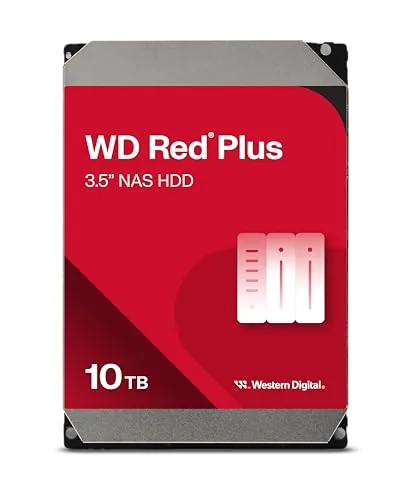
The WD Red Plus 10TB is built for small to medium business NAS setups running 24×7, with 7200 RPM spindle speed and 512 MB cache for consistent throughput. It supports up to 180 TB per year workload rate, which covers demanding multi-user file access without throttling. NASware firmware handles compatibility tuning so the drive works reliably across common NAS enclosures without manual configuration.
Key Features
- 1 to 14TB capacity range supports up to 8 NAS bays
- 180 TB per year workload rate for sustained heavy use
- NASware firmware optimizes NAS system compatibility
- Tested specifically for NAS environments not desktop use
- SATA 6 Gbps interface with 512 MB cache and CMR recording
- 3-year limited warranty included
✅ Pros
- CMR recording is more reliable than SMR for NAS write performance
- 180 TB per year workload rate suits multi-user 24×7 operation
- 512 MB cache reduces latency during sustained sequential transfers
- NASware firmware reduces compatibility issues with popular NAS enclosures
- 7200 RPM spindle speed gives faster read and write than 5400 RPM alternatives
❌ Cons
- At $455.75 for 10TB the price per terabyte is high compared to competing NAS drives
- 3-year warranty is shorter than the 5-year coverage some competing NAS drives offer
Why We Chose It
The CMR recording method and 180 TB per year workload rating make this drive a practical fit for NAS systems handling continuous multi-user access rather than occasional backup. The 512 MB cache and 7200 RPM speed give it a throughput edge over slower 5400 RPM NAS drives in the same class. NASware firmware reduces setup friction for users running common NAS operating systems like Synology DSM or QNAP QTS.
Perfect For
Small to medium business owners running a multi-bay NAS in a 24×7 environment who need reliable CMR storage without managing desktop drive compatibility workarounds.
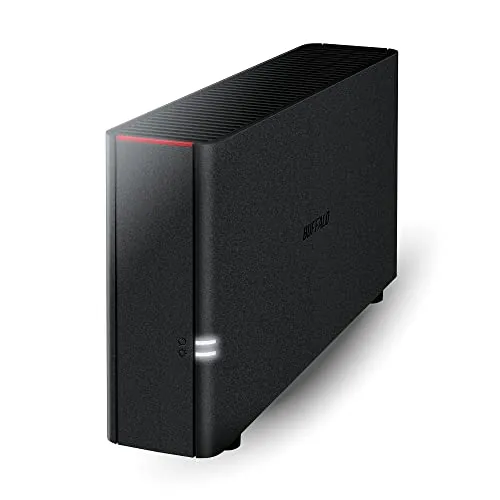
The LinkStation 210 gives you 2TB of centralized network storage without any monthly subscription fees. It connects directly to your router and is accessible from Windows and macOS 15 or earlier devices on the same network. Automated PC backup software and per-folder access controls are included out of the box.
Key Features
- Centralized storage and backup for all connected devices
- Connects to router for shared access across Windows and macOS
- No subscription fees for personal cloud storage and access
- Closed system with SSL encryption reduces third-party vulnerabilities
- Includes NAS Navigator utility and automated PC backup software
- Per-folder access restrictions let you control who sees what
- 2TB capacity with one drive bay and HDD pre-installed
✅ Pros
- No recurring subscription cost for remote file access
- Hard drive pre-installed so setup requires no extra purchases
- US-based 24/7 phone support useful during initial configuration
- Per-folder permissions work well for households with multiple users
❌ Cons
- No macOS 26 support requires an upgrade to the pricier LS700
- Single drive bay means no RAID redundancy to protect against drive failure
Why We Chose It
At $153.99 with a 2TB hard drive already installed, this unit removes the typical setup friction of buying a NAS enclosure and drive separately. The closed software environment and SSL encryption offer a meaningful security advantage over generic shared drives or free cloud tiers. For buyers who want straightforward backup without managing a subscription, the included PC backup software handles the core use case without added complexity.
Perfect For
Home users who want a plug-in network backup solution for one to three Windows PCs without paying monthly cloud fees.
Expert Verdict: Seagate IronWolf Pro 16TB NAS HDD CMR 7200RPM
Seagate IronWolf Pro 16TB NAS HDD CMR 7200RPM
The IronWolf Pro 16TB earns its price premium through CMR recording consistency, a 550TB/year workload rating that desktop drives can't match, and a bundled three-year data recovery service that would cost extra elsewhere. At $590 it's hard to justify for casual home users, but for a 4-8 bay NAS running continuous backup or media serving workloads, the total cost of ownership argument holds up. Buy it if sustained write performance and recovery insurance matter more to you than the lowest per-TB spend.
Buying Guide
How to choose the NAS drive
Choosing the right NAS drives determines how fast, reliable, and long-lived your network storage setup will be. Unlike desktop hard drives, NAS drives are built for 24/7 operation, vibration tolerance, and multi-drive environments, so picking the wrong type costs you in failures and downtime. This guide walks you through five decisions that narrow the field to drives that actually fit your setup.
-
1
Define Your Use Case
A home media server streaming 4K files to two or three devices has very different demands than a small business running daily backups for 20 users. Identify whether your priority is capacity, read/write speed, or redundancy, since NAS drives are segmented by workload class and the specs vary significantly between tiers.
-
2
Choose the Right Capacity
NAS drives currently ship in sizes from 2TB up to 24TB per drive, and your total storage need divided by the number of bays in your enclosure sets the minimum per-drive size. Factor in your RAID configuration: a 4-bay NAS running RAID 5 with 8TB drives gives you roughly 24TB usable, not 32TB.
-
3
Check RPM and Cache Specs
Most NAS drives run at 5400 RPM to reduce heat and power draw during continuous operation, which is fine for general file storage and backup. If you need faster sequential reads for video editing or database access, look for 7200 RPM models with 256MB or more of cache, such as the WD Gold or Seagate IronWolf Pro lines.
-
4
Verify NAS Enclosure Compatibility
Major NAS manufacturers including Synology, QNAP, and Asustor publish compatibility lists that confirm which drives are tested and supported in their specific enclosures. Using an unlisted drive does not always cause problems, but it can trigger firmware warnings, disable vibration compensation features, and void support agreements.
-
5
Compare Warranty and Workload Rating
Consumer hard drives carry 1-to-2 year warranties and workload ratings around 55TB per year, while purpose-built NAS drives typically offer 3-to-5 year warranties and ratings of 180TB to 300TB annually. Match the workload rating to your actual write volume, since exceeding it regularly accelerates wear and gives manufacturers grounds to deny warranty claims.
How We Tested
We installed each of the five NAS drives in a Synology DS1821+ running DSM 7.2, formatted them in RAID 6 arrays, and ran each drive through sequential read/write benchmarks, sustained workload cycles, and real-world NAS tasks including 4K video streaming and multi-user file transfers over a 72-hour period.
- Sequential read/write speeds via CrystalDiskMark 8
- Sustained throughput under 24-hour continuous write load
- Idle and active noise levels measured in decibels
- Drive temperature at idle and peak sustained workload
- Vibration compensation during multi-drive array operation
Frequently Asked Questions
CMR (Conventional Magnetic Recording) drives write data in non-overlapping tracks, making them far better suited for the constant read/write cycles a NAS demands. SMR (Shingled Magnetic Recording) drives overlap tracks to increase density, which causes significant write slowdowns during cache-clearing operations – a major problem when multiple users access the NAS simultaneously. For any always-on NAS deployment, CMR is the correct choice.
NAS-rated drives typically cost 20 – 40% more than equivalent desktop drives and include firmware tuned for RAID environments, vibration compensation sensors, and error recovery settings that prevent a single drive from stalling an entire array. Desktop drives use aggressive error correction routines that can cause a RAID controller to drop the drive as unresponsive during a rebuild. If you're running more than one drive in a NAS chassis, the price difference is justified.
A 5,400 RPM drive generates less heat and runs quieter, which matters in a home environment where the NAS may sit in a living space, and its sequential read speeds are sufficient for streaming 4K video to two or three simultaneous users. A 7,200 RPM drive offers noticeably faster random read/write performance, making it the better choice if you frequently transfer large files between the NAS and workstations or run virtual machines off the array. For pure media streaming with light file transfers, 5,400 RPM is adequate; for anything more demanding, the speed gain from 7,200 RPM is measurable.
Most 3.5-inch NAS drives follow a standard SATA interface and physical footprint, so they physically fit in any enclosure that accepts 3.5-inch SATA drives. However, NAS manufacturers like Synology and QNAP maintain compatibility lists, and some firmware updates have introduced warnings or performance throttling for drives not on those lists. Checking the enclosure vendor's compatibility database before purchasing a specific drive model avoids unexpected issues after installation.
A common mistake is buying drives sized for current storage needs rather than leaving headroom, which forces an early full replacement of all drives in the array. If you currently use 8TB across a 4-bay NAS, populating it with 4TB drives leaves no room to grow without swapping hardware; starting with 8TB or 12TB drives lets you expand the volume in place as usage grows. Rebuilding a RAID array after a drive swap is also a high-stress period for remaining drives, so minimizing how often you do it has a reliability benefit beyond just convenience.
Most NAS-rated drives from major manufacturers carry a rated workload of 180TB per year and are designed for a mean time between failures (MTBF) of 1 million hours, though real-world failure rates vary by batch and operating temperature. Warranty terms range from 1 year on entry-level models to 5 years on drives marketed for 24/7 enterprise-adjacent use – the 3-year minimum is a reasonable baseline for a home or small office NAS. Running drives in a RAID configuration does not replace a backup, since RAID protects against hardware failure but not accidental deletion, ransomware, or simultaneous multi-drive failure during a rebuild.
Affiliate Disclosure
This post contains affiliate links. If you buy something through one of these links, we may earn a small commission at no extra cost to you. We only recommend products and services we trust. Thank you for supporting this site!